Photo Credit: D2L, Western University.
New Admin Tools Menu in OWL Brightspace
Added on November 17, 2025 by Allyson Steward
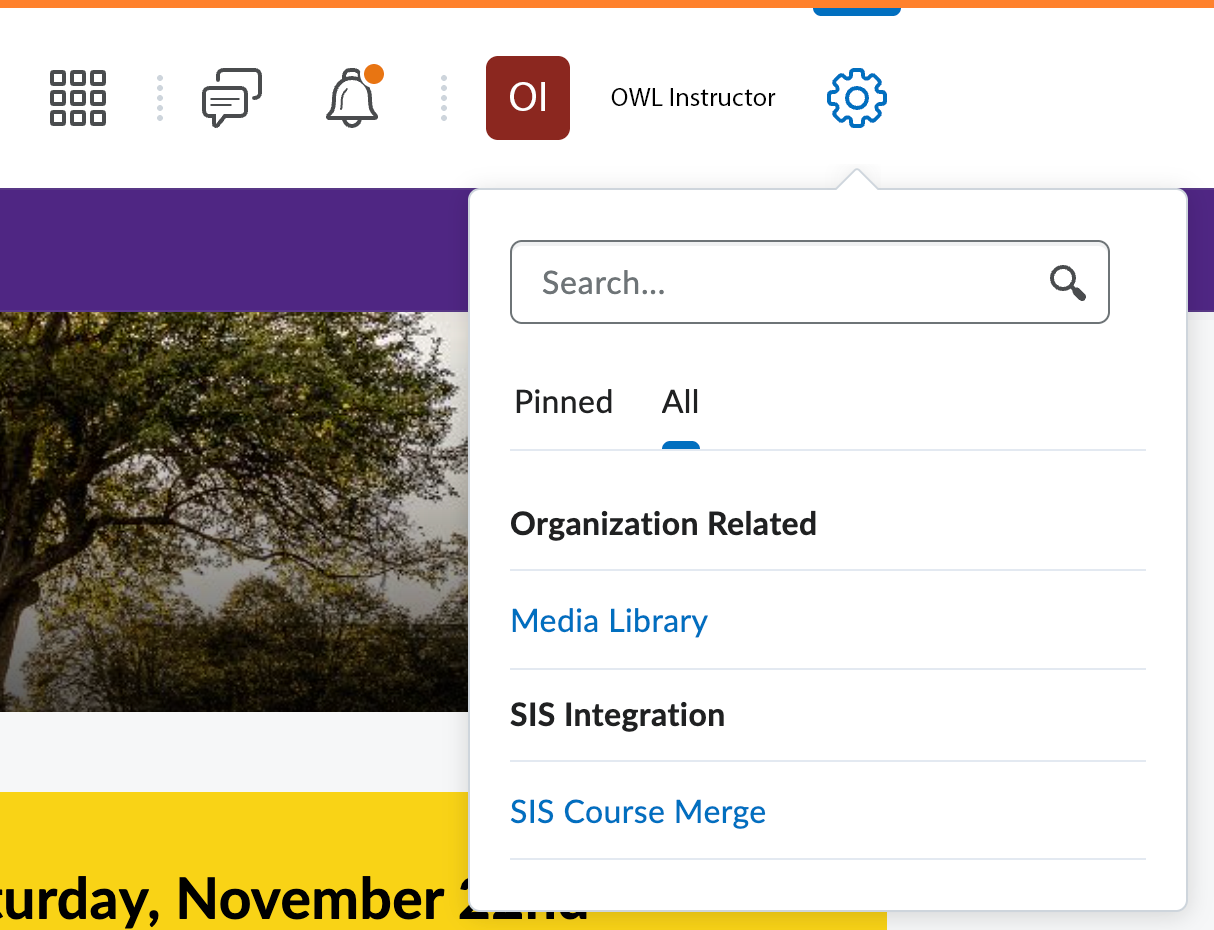
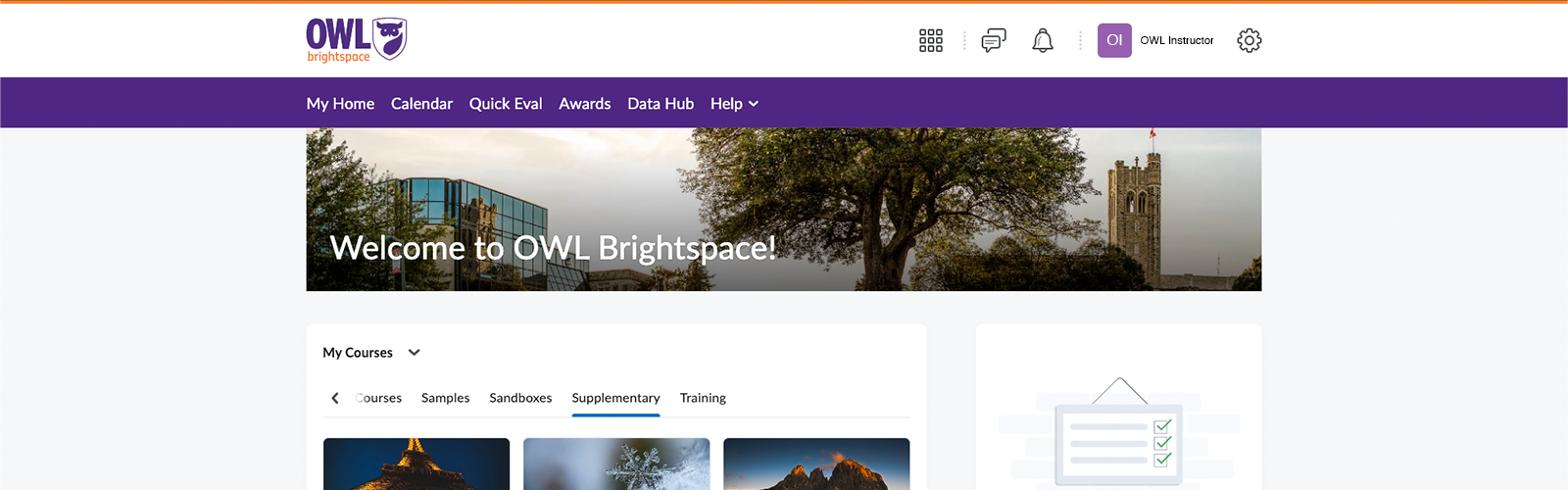
There is a new Admin Tools menu experience in OWL Brightspace! The new menu will feature a streamlined list, the ability to pin tools for quick access, and a search function.
The menu will open to the Pinned tab, where your pinned tools will be listed. By default, there will not be any tools pinned in your list. To pin a tool, go to the All tab and click the pin icon beside the tool. That tool will now appear in the Pinned tab in the menu for quick access.
You can also use the search field to quickly find a tool.
The old Admin Tools menu in OWL Brightspace.
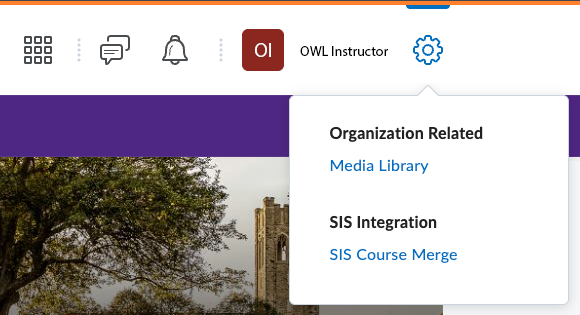
The new Admin Tools menu in OWL Brightspace.