Photo Credit: D2L, Western University.
“Discover” is Launching in OWL Brightspace
Added on June 2, 2026 by Allyson Steward
On June 3, 2026, the Discover tool will be available in OWL Brightspace.
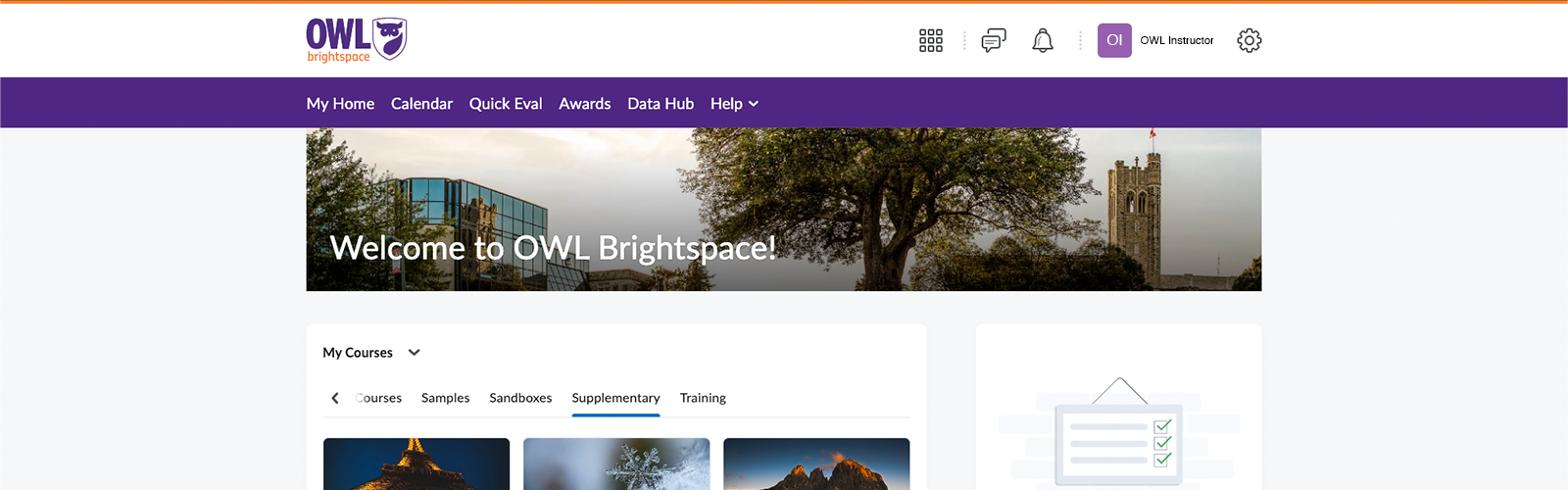
A course with Discover enabled allows anyone in OWL Brightspace to self-enroll into that course. Previously, you needed a link to a discoverable course to access the tool. With this change, the Discover tool will be available from the OWL Brightspace homepage, making it easier to find and self-enroll in Supplementary, Training, and Module courses.
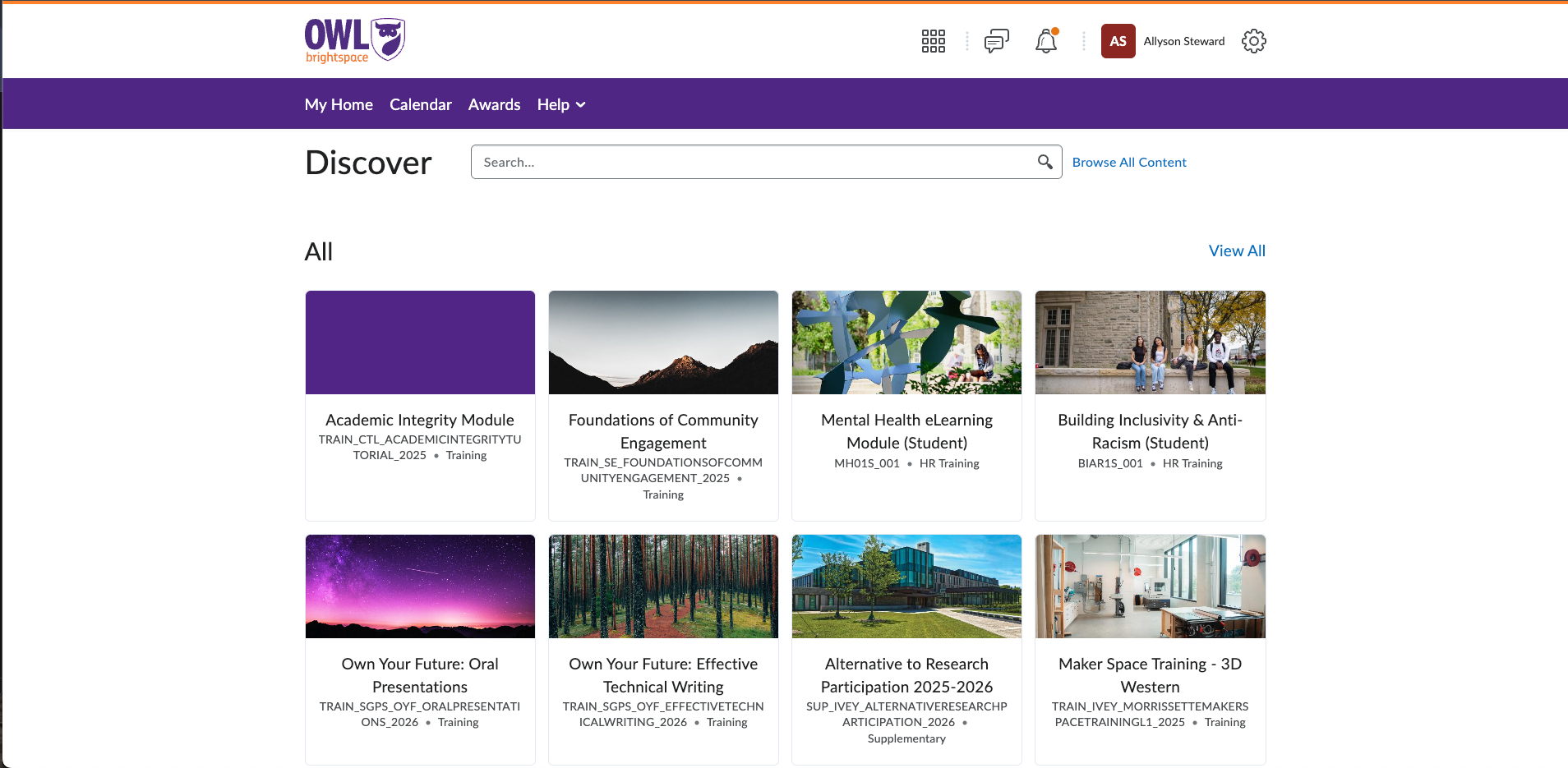
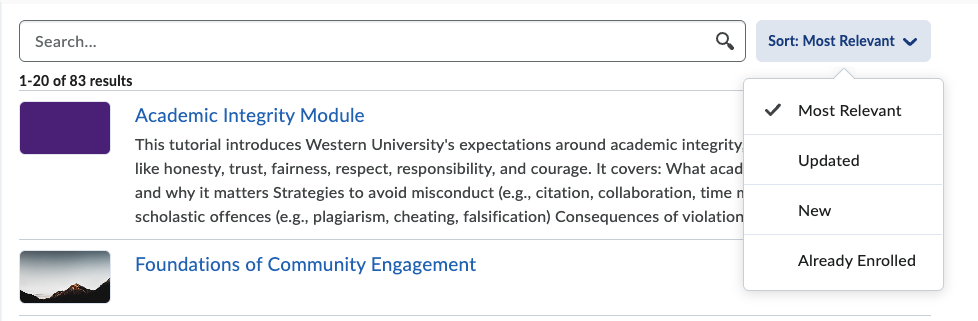
In Discover, you can search and filter the courses to find what you’re looking for.
Anyone who self-enrolls in a discoverable course will be enrolled as a Member. For more information on Member permissions, check OWL Brightspace Help’s Roles and Permissions page.
In addition, Maintainers of eligible courses will be able to manage the Discover settings in their courses. Maintainers of Supplementary, Training, and Module courses can enable Discover, add an enrollment rule to only allow Western accounts to self-enroll, and enable enrollment approvals.
How to Use Discover
To find the Discover settings in an eligible course, Maintainers can follow these steps:
- In a Supplementary, Training, or Module course, click the Manage Course tab in the top navbar.
- Select Course Admin from the dropdown.
- From the list of course tools, select Course Offering Information.
- Scroll down to the Discover setting.
- Enable “Make this course available in Discover so Learners can self-enroll”.
- Under Enrollment Rules:
- You can choose to add an enrollment rule that allows only people with Western accounts to self-enroll in your course. This rule means Western Continuing Studies students cannot enroll in your course.
- Under Approval:
- You can choose to require approval for people who have requested self-enrollment.
- You can choose to add a question to self-enrollment requests.
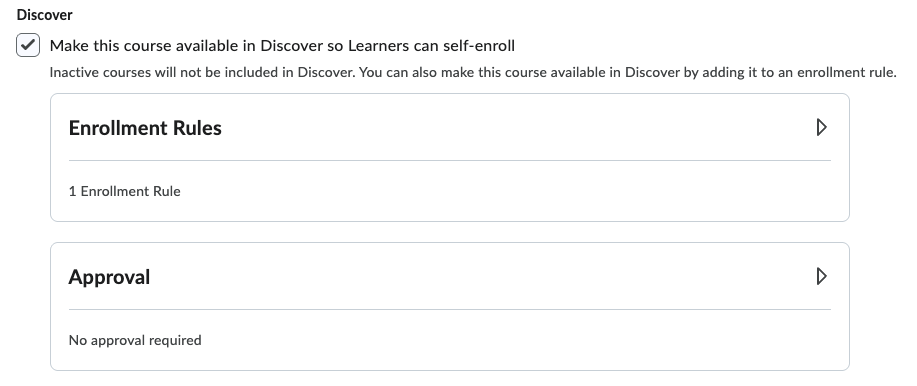
Enrollment Rules
The only enrollment rule available prevents Western Continuing Studies students from self-enrolling in courses. Currently, enrollments cannot be limited to specific campus roles, such as students, staff, or faculty.
Approvals
There is currently no email notification setting specifically for enrollment requests.
Instead, if you wish to be notified by email for enrollment requests, you must enable the Summary of Activity email digest in your OWL Brightspace account notification settings. This digest will compile all notifications for all of your courses. However, you can choose to exclude specific courses from your notifications.
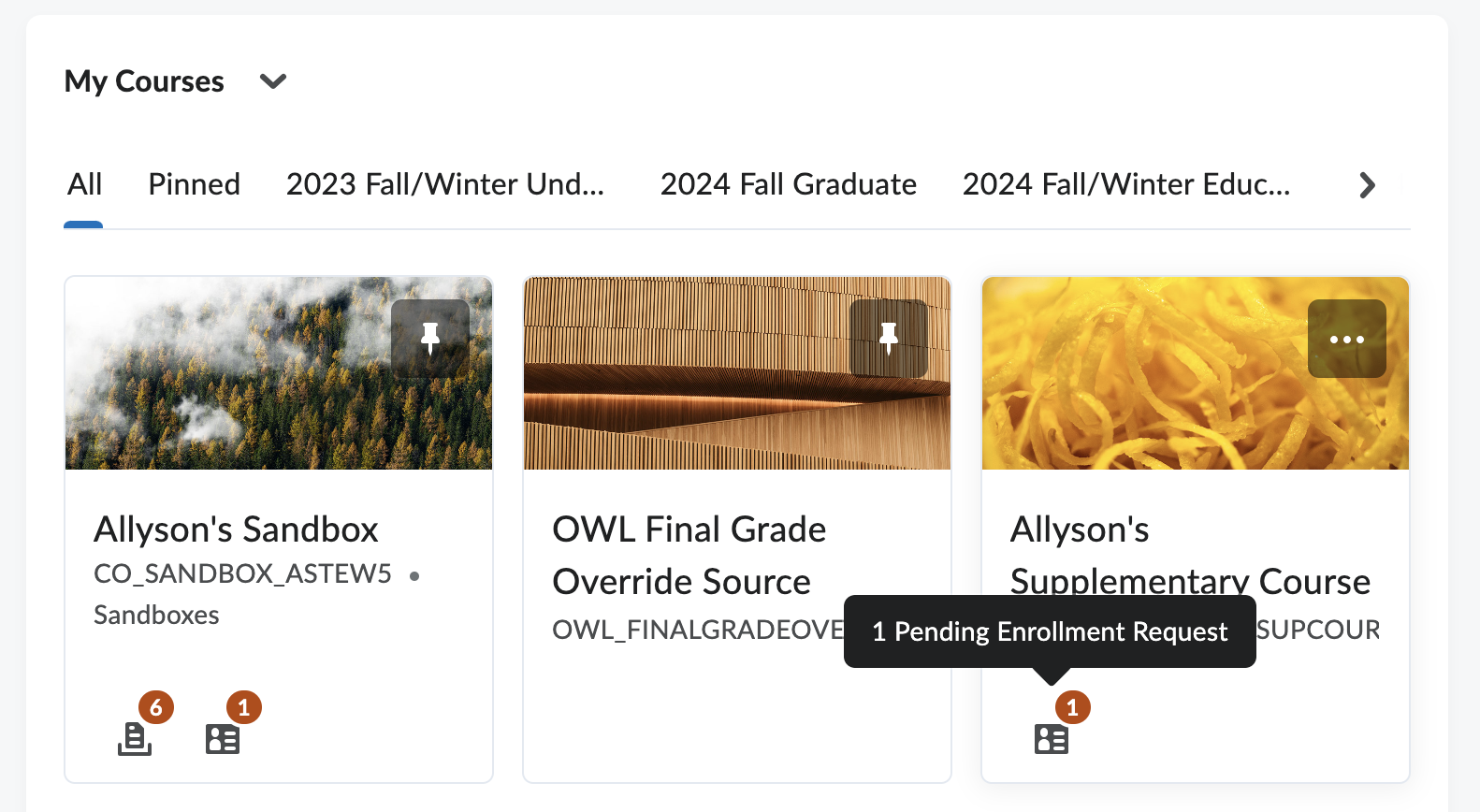
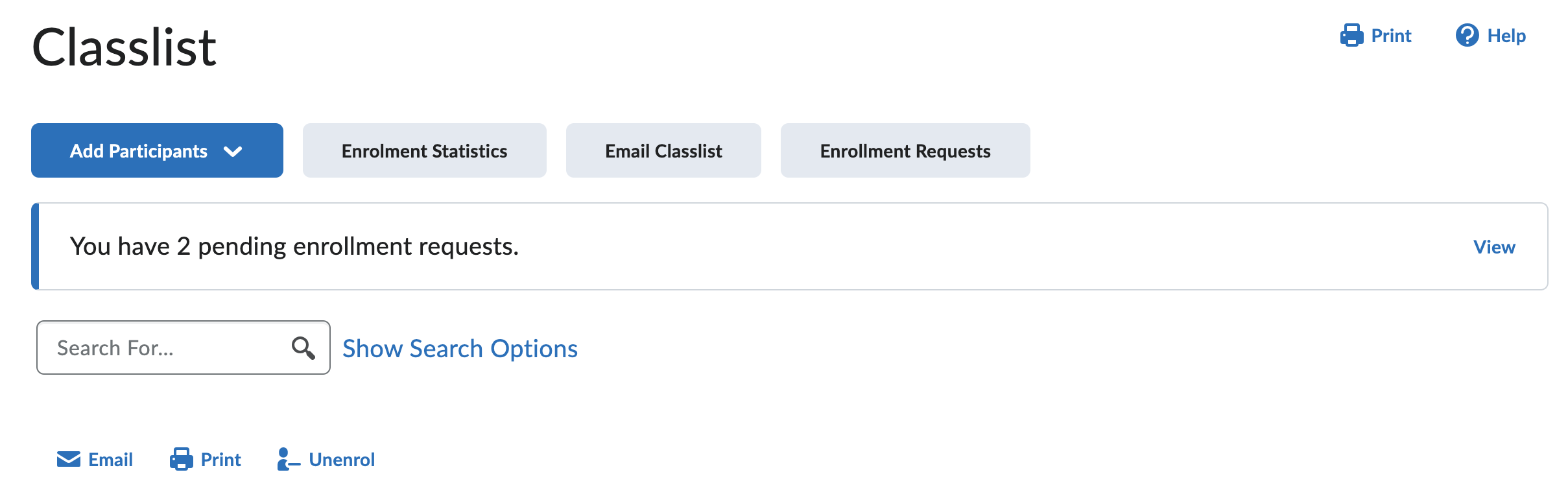
Notifications of enrolment requests will appear in the My Courses widget on the OWL Brightspace homepage as an icon and in the Classlist tool in the discoverable course as a banner notification. You can check these tools for new enrollment requests.