

Search Website

Lecture Capture Camera
The installed camera in G.U. Classrooms support lecture capture.
Lecture Capture Camera
The installed camera in G.U. Classrooms support lecture capture.
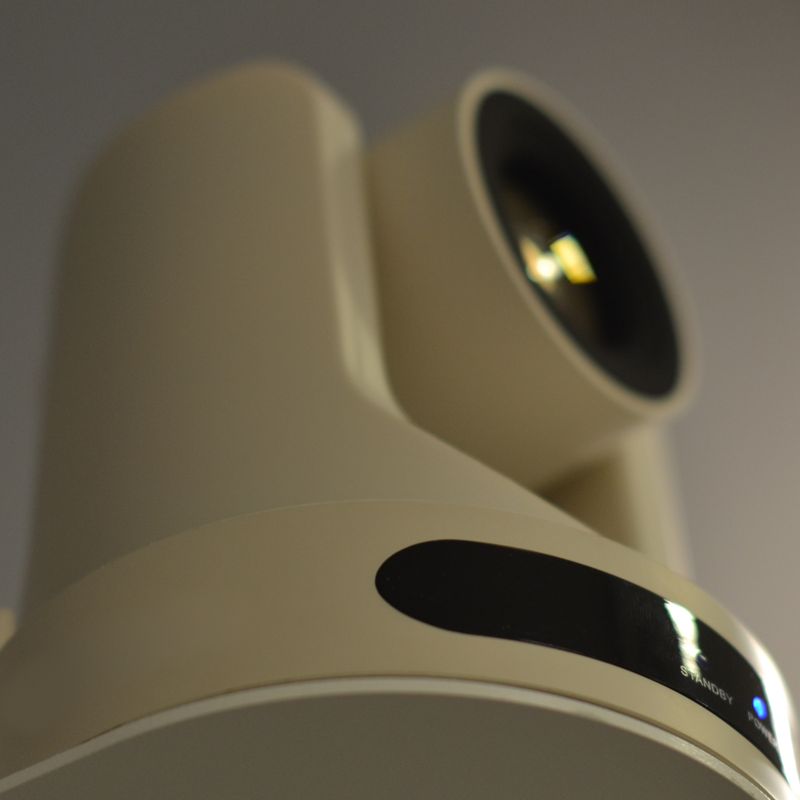
Lecture Capture Camera
The installed camera in G.U. Classrooms support lecture capture.
Lecture Capture Cameras
Types of Camera Setups
While we endeavor to ensure a consistent user experience from room to room, please be aware there are different types of camera implementations and capabilities in G.U. classrooms and only one type of camera setup is typically featured. We recommend that presenters become familiar with the specific A/V affordances available in the room they will be using - well in advance of their lecture, or event.
- Permanently connected to the A/V system.
- Moderate user flexibility to set camera positioning and orientation.
- Permanently installed to tabletop of A/V console; limited user flexibility to set camera position.
- Provides general image magnification of physical media / objects.
- Intended to capture text-based documents placed directly under camera.
- Connected to the classroom PC to support virtual conferencing use.
Note: Not all virtual conferencing tools (I.E. Teams) provide the option to rotate the camera's field of view. As such the document camera is not recommended for lecture capture when using applications that do not permit adjustment of the camera image
- Single, permanent, ceiling, or wall mounted camera.
- Intended to capture the instructor/presentation area.
- Controlled only through affixed camera presets on the A/V touch screen control.
- Single, permanent, ceiling or wall mounted camera.
- Intended to automatically capture and follow the principal speaker as they move about the front presentation area, within the room.
- Enabled through camera controls on the a/v touch screen.
- Offers auto-switching between multiple ceiling, or wall mounted cameras.
- Various camera modes: Static, Presenter Tracking, Audience participation.
- User-selected camera control modes are availabe on the a/v touch screen controls.