

Search Website
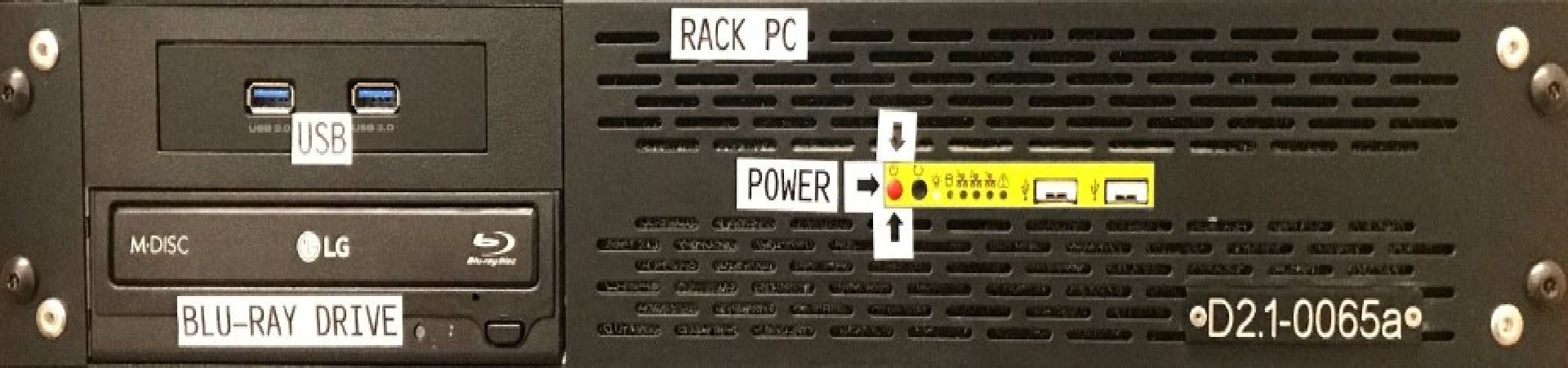
Classroom Computer (Rack PC)
The Rack PC is located in the AV rack in most G.U Classrooms
Classroom Computer (Rack PC)
The Rack PC is located in the AV rack in most G.U Classrooms
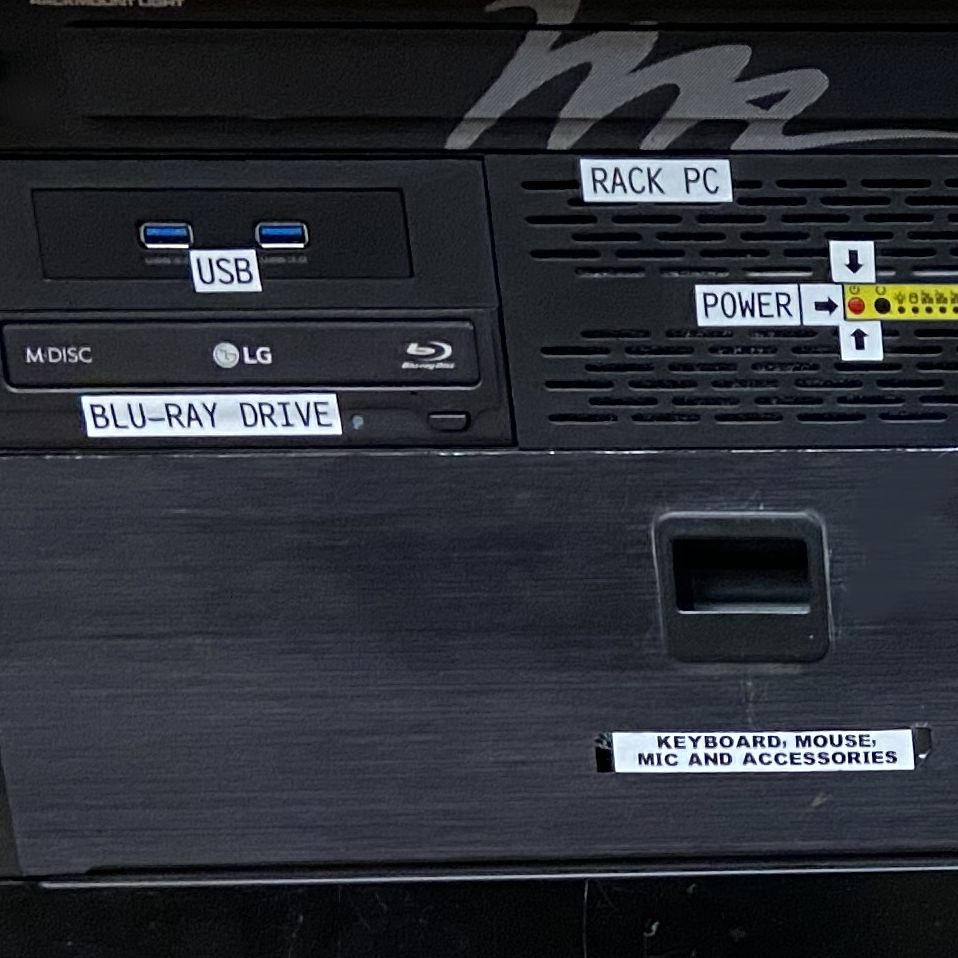
Classroom Computer (Rack PC)
The Rack PC is located in the AV rack in most G.U Classrooms
The Rack PC
A Presentation host in Audio Visual Systems
Located in the AV rack in most G.U Classrooms, the Rack-PC is fully integrated with the classroom AV system.
The supported environment is the Windows 10/64-bit operating system and this includes a baseline repository of software applications. The login to the Rack PC is your Western Identity (I.E. the username and password required for your Western email account ending with “@uwo.ca”).
Note: Files may be copied or saved on classroom computer during a session but will be automatically deleted when the computer is restarted or turned off. Any files that you create and would like to keep, should be saved to a personal USB drive or to the Western OneDrive account
Installed Hardware
The classroom Rack -PC comes equipped with the following features:
- USB 3.0 Connectivity
- Blu-ray/DVD Disk Drive
- Keyboard (wireless where applicable)
- Wired Mouse
- Wireless Presentation Remote
- Audio input for recording or web conferencing (where applicable)
- Internet Access
Installed Software:
All classroom computers are provided by CTG with the following applications:- Adobe Reader
- Audacity
- Google Chrome
- Google Earth PRO
- iClicker
- Leawo Blu-ray Player
- Microsoft Office 2019
- Microsoft Windows Operating System
- Mozilla Firefox
- MS Edge
- Putty
- R
- Remote Desktop Connection
- Skype for Business
- Solstice Wireless A/V Collaboration (on some Rack PC's)
- MS Edge
- R
- VLC Media Player
- VMware Horizon View Client
- Windows Media Player
- Zoom